
Hide passwords and private data in screen recordings
Product demos and tutorials often reveal passwords, API keys, emails or customer data. Describe what to hide and Blurly blurs it across the whole recording.
Free to scan & preview · No account · Pay only to download
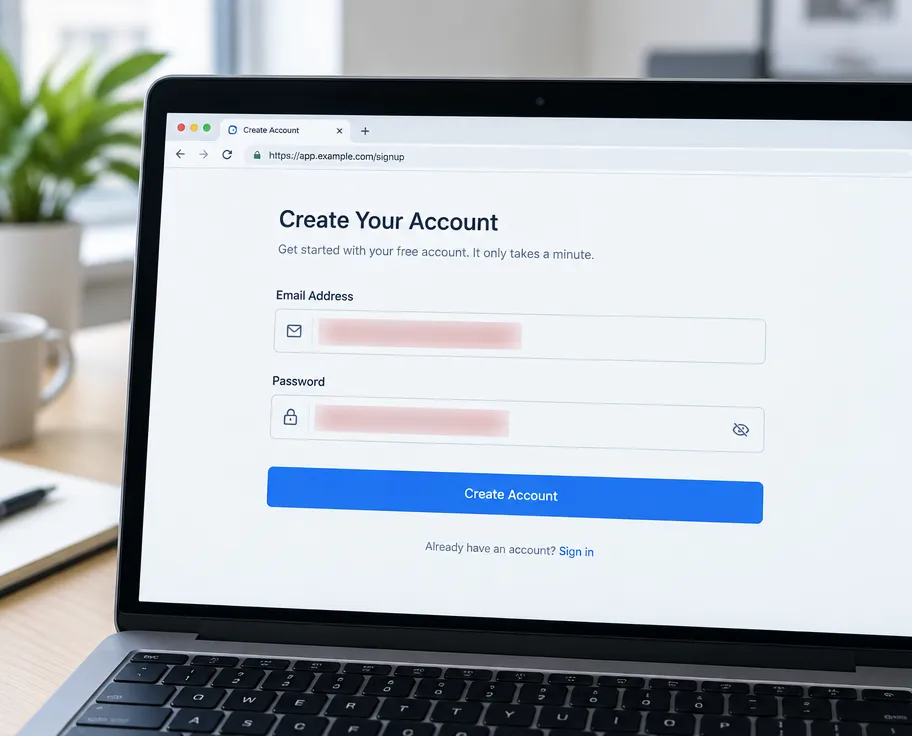
How to hide password in screen recording
- Upload your video (up to 2 minutes). No account needed.
- Type what to hide, for example "hide password fields and email addresses".
- Blurly's AI scans every frame and tracks the areas as they move.
- Fine-tune blur, pixelation or a solid cover in the free preview, then download.
Catches text on screen
Finds password fields, tokens, emails and names in the UI.
Re-record nothing
Keep your perfect take and just hide the sensitive parts.
Great for SaaS demos
Share tutorials on YouTube, Loom or docs without leaking data.
Questions
How do I blur a password in a screen recording?
Upload the recording to Blurly, type "hide password fields", scan, review the preview and download the redacted video.
Can it hide API keys and tokens?
Yes. Describe them in plain words, for example "hide API keys and secret tokens".
Is my recording stored?
No. Your video is uploaded securely for processing and deleted automatically after download.