
Blur bystanders in the background of your video
Filming in public? Keep yourself visible and hide strangers in the background with one sentence.
Free to scan & preview · No account · Pay only to download
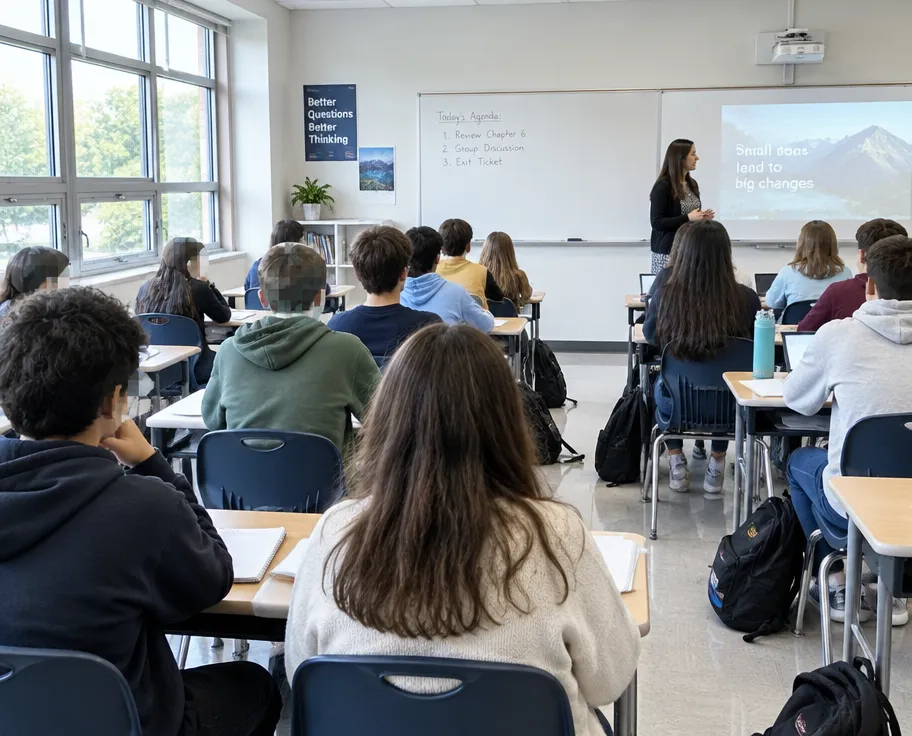
How to blur people in background of video
- Upload your video (up to 2 minutes). No account needed.
- Type what to hide, for example "blur people in the background".
- Blurly's AI scans every frame and tracks the areas as they move.
- Fine-tune blur, pixelation or a solid cover in the free preview, then download.
Keep the main subject
Describe who to keep and who to hide.
Perfect for vlogs
Travel, events, gyms and street interviews.
Edit before paying
Remove or add areas in the free preview.
Questions
Can I keep my own face visible?
Yes. Write "blur everyone except the main speaker" and remove any extra areas in the editor.
Does it work for crowds?
Yes, though for busy scenes choose a deeper scan for best results.
How much does it cost?
Preview is free; downloads start at $4.90 for short clips.