
Blur faces in a video automatically
Blurly finds and tracks every face in your clip so you don't have to draw boxes frame by frame. Perfect for interviews, vlogs, street footage and social media posts.
Free to scan & preview · No account · Pay only to download
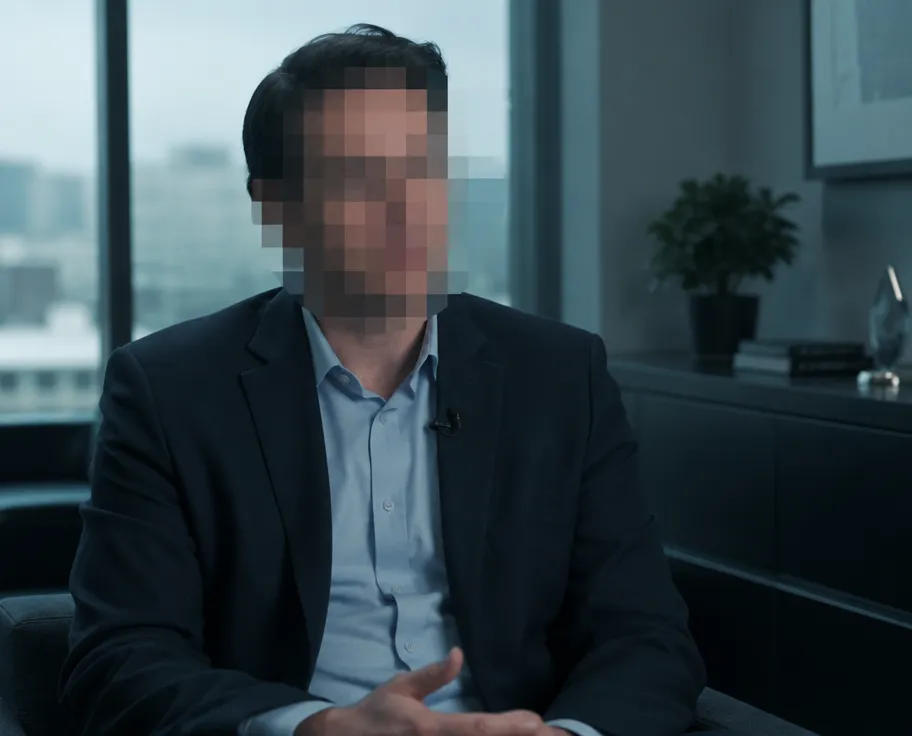
How to blur faces in video
- Upload your video (up to 2 minutes). No account needed.
- Type what to hide, for example "blur every person's face".
- Blurly's AI scans every frame and tracks the areas as they move.
- Fine-tune blur, pixelation or a solid cover in the free preview, then download.
Follows moving faces
Faces are tracked as people walk, turn and move across the frame.
Blur, pixelate or cover
Choose a soft blur, chunky pixelation, a solid color or your own image.
No software to install
Everything happens in your browser, on desktop or phone.
Questions
How do I blur a face in a video for free?
Uploading, scanning and previewing on Blurly is free. You only pay a small one-time fee when you download the finished video.
Can I blur only one person's face?
Yes. Describe who to hide, for example "blur the face of the man in the red jacket", then remove any extra areas in the editor.
Does it work on phone videos?
Yes. Blurly accepts common formats like MP4 and MOV recorded on iPhone or Android.