
Pixelate any part of a video online
Want the classic mosaic look? Describe what to pixelate and Blurly applies true pixelation that follows the object through the clip.
Free to scan & preview · No account · Pay only to download
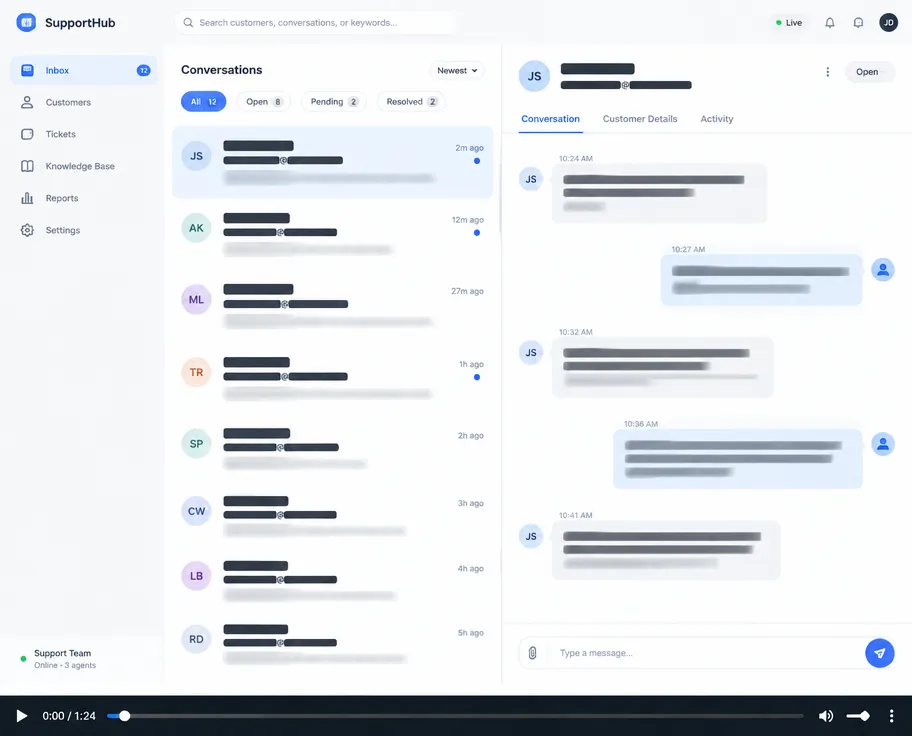
How to pixelate video online
- Upload your video (up to 2 minutes). No account needed.
- Type what to hide, for example "pixelate every face".
- Blurly's AI scans every frame and tracks the areas as they move.
- Fine-tune blur, pixelation or a solid cover in the free preview, then download.
Real mosaic effect
Crisp pixel blocks, adjustable strength.
Any shape
Rectangle, rounded or ellipse covers.
Works in the browser
No app download, works on phone and desktop.
Questions
What's the difference between blur and pixelate?
Blur softens the area; pixelate turns it into visible blocks. You can switch between them in the editor anytime.
Can I pixelate a moving object?
Yes. Blurly tracks the object as it moves.
What formats are supported?
Common video formats like MP4, MOV and WebM.