
Blur license plates in dashcam and street videos
Posting dashcam clips, car reviews or street footage? Blurly finds every visible plate and keeps it hidden while vehicles move.
Free to scan & preview · No account · Pay only to download
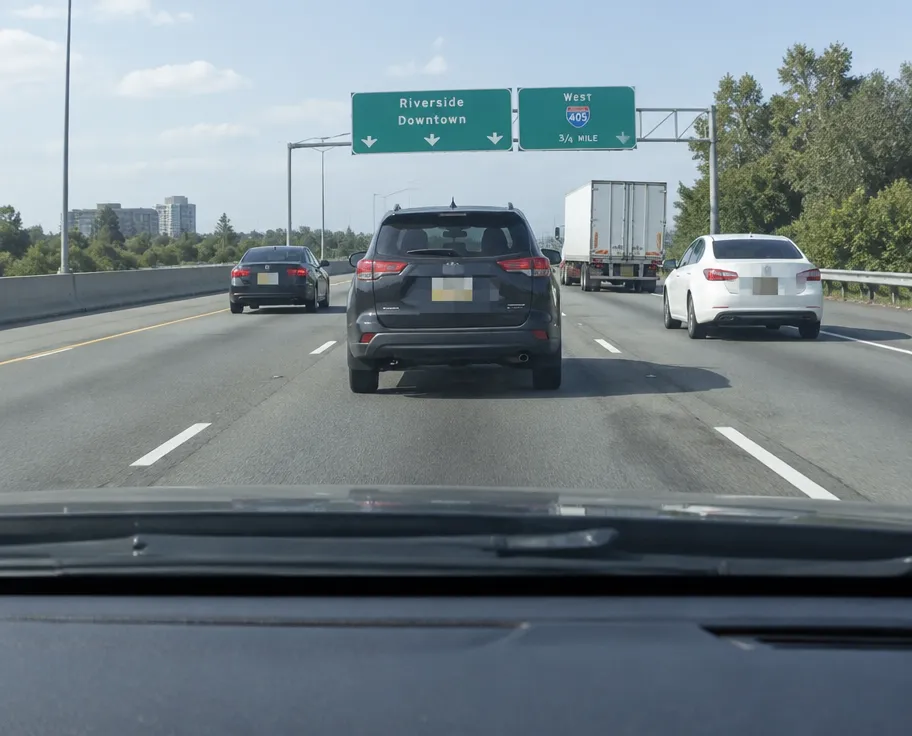
How to blur license plates in video
- Upload your video (up to 2 minutes). No account needed.
- Type what to hide, for example "hide every license plate".
- Blurly's AI scans every frame and tracks the areas as they move.
- Fine-tune blur, pixelation or a solid cover in the free preview, then download.
Tracks moving cars
Plates stay covered as vehicles pass, turn and change lanes.
Privacy-friendly posting
Share road incidents and car content without exposing owners.
Combine with faces
Hide plates and faces of drivers or pedestrians in one go.
Questions
Is it legal to post videos with license plates?
Rules vary by country. Blurring plates is the safest way to share footage publicly, especially in Europe under GDPR.
Can I hide plates and faces together?
Yes. Type "hide license plates and faces" and Blurly handles both.
How long can the video be?
Up to 2 minutes per clip.